














Return to the
work history.
Today shows current activity. Work Log keeps the recorded history, with client context, your time, agent activity, and corrections together.
 Contact
WINDOWS DESKTOP APP
ArcLedger keeps track of work across clients, projects, and connected agents, so you spend less time reconstructing your day.
I work across multiple clients and projects, with agents running in parallel.
I can do the work. Keeping track of what happened, who it was for, and my time versus agent time becomes another job.
That’s why I built ArcLedger. (Bruce Meek, founder)
Example workday
Follow a workday across several clients. See what ArcLedger records, resolve one uncertain activity, and inspect the resulting draft statement.
ArcLedger records activity from the sources you connect. Your agents continue working in their own tools.
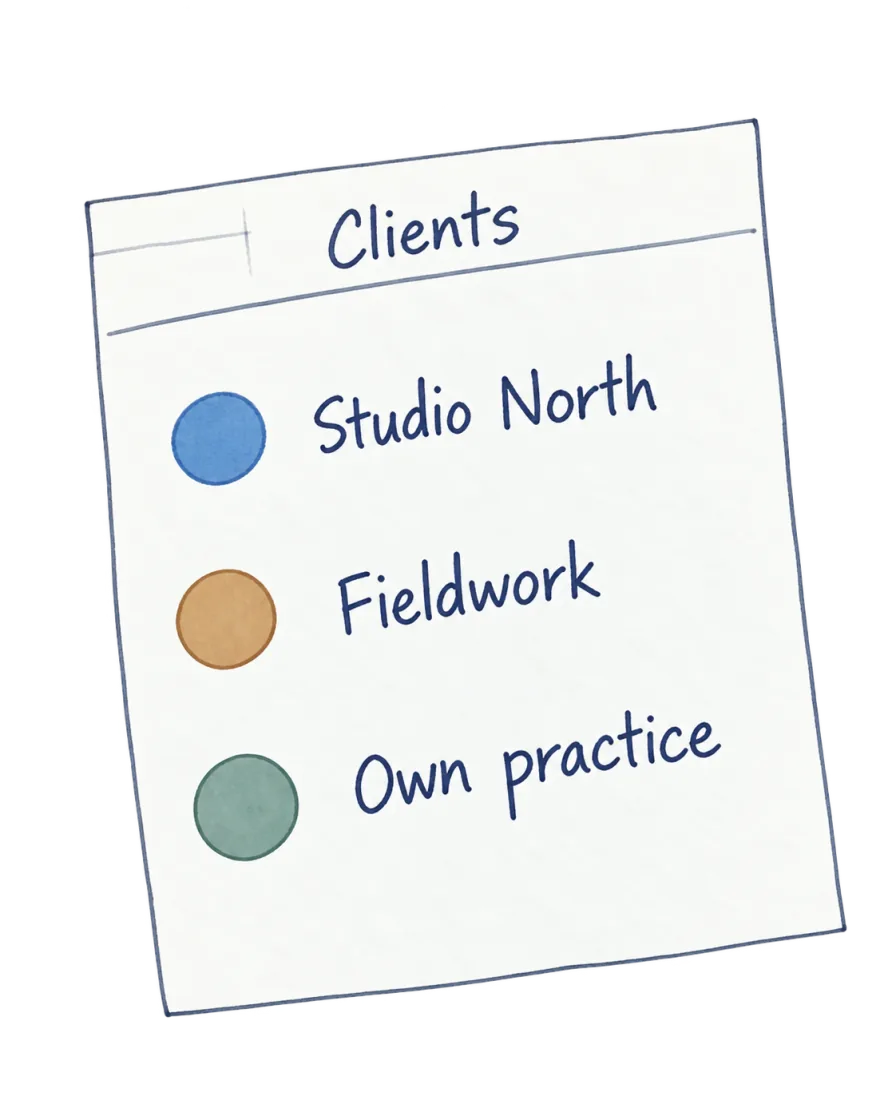
 Studio NorthBrand strategy
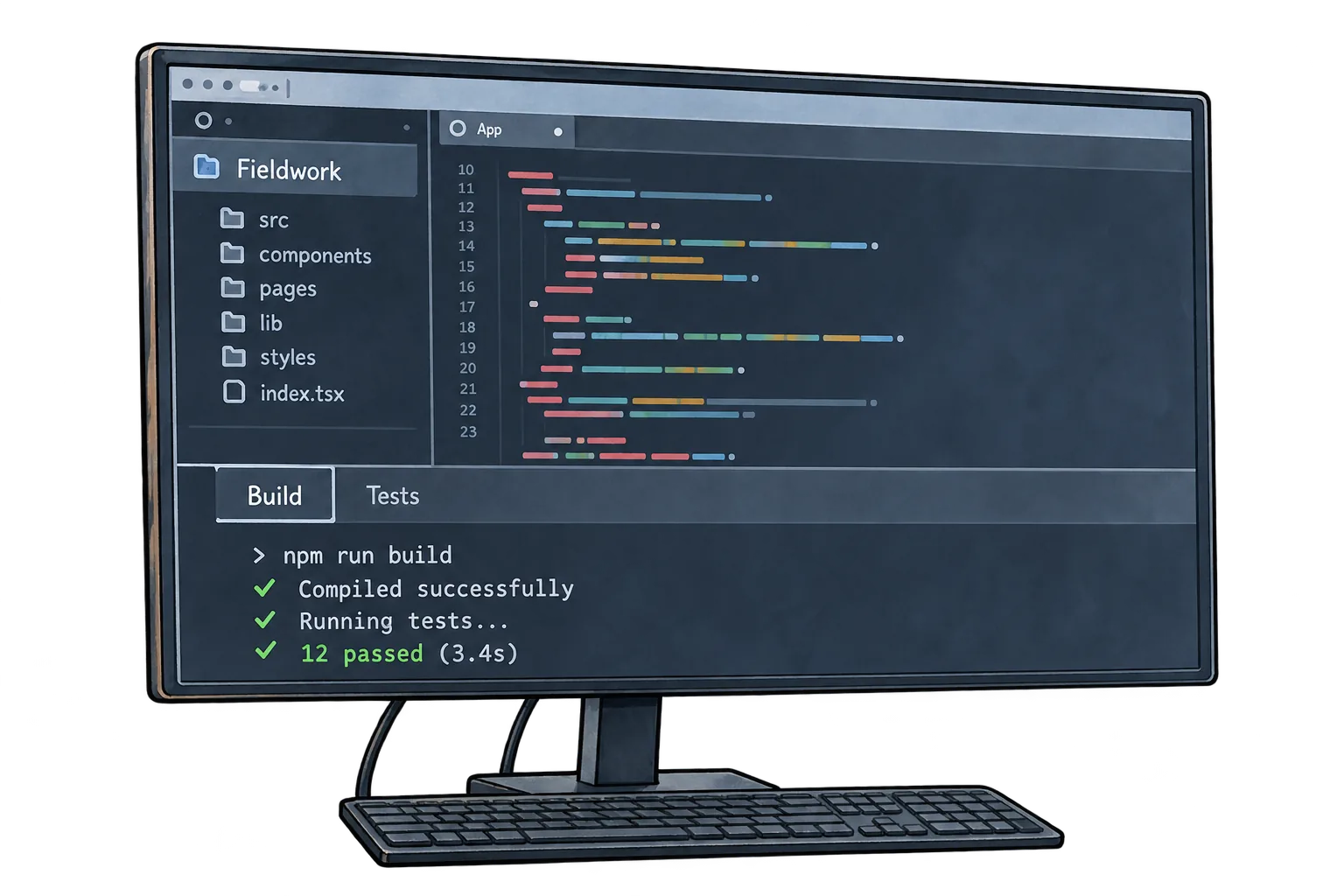
 FieldworkWebsite delivery
 Own practiceInternal work
Agent runtime forms the background; human attention overlays it. Recorded totals stay separate.
This 18-minute agent activity has no client label. Choose a client or exclude it. The 25-minute human record already belongs to Studio North.
The 18-minute agent activity needs your decision. Studio North’s 25-minute human record stays separate. The statement has not been marked billed.
Draft client record
Example workday
$120/hour human rate. Human time stays with Studio North. Agent runtime is unbilled in this example.
Review the statement separately before marking it billed.
Today shows current activity. Work Log keeps the recorded history, with client context, your time, agent activity, and corrections together.
Use reviewed work to prepare a client summary or statement, with the underlying record available when you need to check a detail.
Compare reviewed actuals with a documented project baseline. See differences in human attention, delivery time, and client cost where the evidence supports them.
You choose the sources ArcLedger connects to. Your work record stays on your computer.
Default tracking stores no screenshots and captures no page content, keystrokes, or clipboard contents. Browser labels remain transient unless you explicitly save a recognition rule.
Your work history, review decisions, and corrections stay in a database on your computer. Automatic local backups at startup and manual exports help you recover your records.
Attribution corrections and review decisions remain in the audit history. Client statements show summaries of the work without exposing internal tracking details.
Local Vision is off by default and requires separate, explicit consent. It processes one foreground frame locally in memory through an on-device model, discards the pixels, and may retain only sanitized derived text. This optional mode is distinct from content-free default tracking.
No. Your work record stays on your computer, but ArcLedger does go online in a few specific cases. On first launch, managed on-device AI downloads pinned, checksum-verified runtime and model files from GitHub and Hugging Face; the downloads carry no work data, and Settings can turn managed Local AI off. When you anchor the audit history or mark a statement billed, ArcLedger sends a 32-byte evidence hash, with no client names or business content, to public OpenTimestamps servers; anchoring can be turned off in Settings, from the next launch. A connected Pro computer contacts ArcanEdge’s subscription service to activate and refresh its licence about once a day, without sending client data. Other connections run only when you set them up. Where your data lives
Pricing in US dollars
Free includes the core work record for up to two active projects. Pro adds unlimited active projects and Estimate & Quote.
Record and review client work, keep the history, and prepare client statements. No account needed.
$0 with no time limit
Downloads aren’t available yet.
Keep the same work record across more active projects, with tools for estimates and client proposals.
$20 a month
or $200 a year. The same features either way.
Pro subscriptions aren’t available yet.
Pro payments and subscriptions are handled by Paddle, our Merchant of Record. Pricing details
Keep track of the work as you move between clients, projects, and agents. Talk to ArcanEdge about your tools, connections, and the work you need to record.
Contact ArcanEdge